
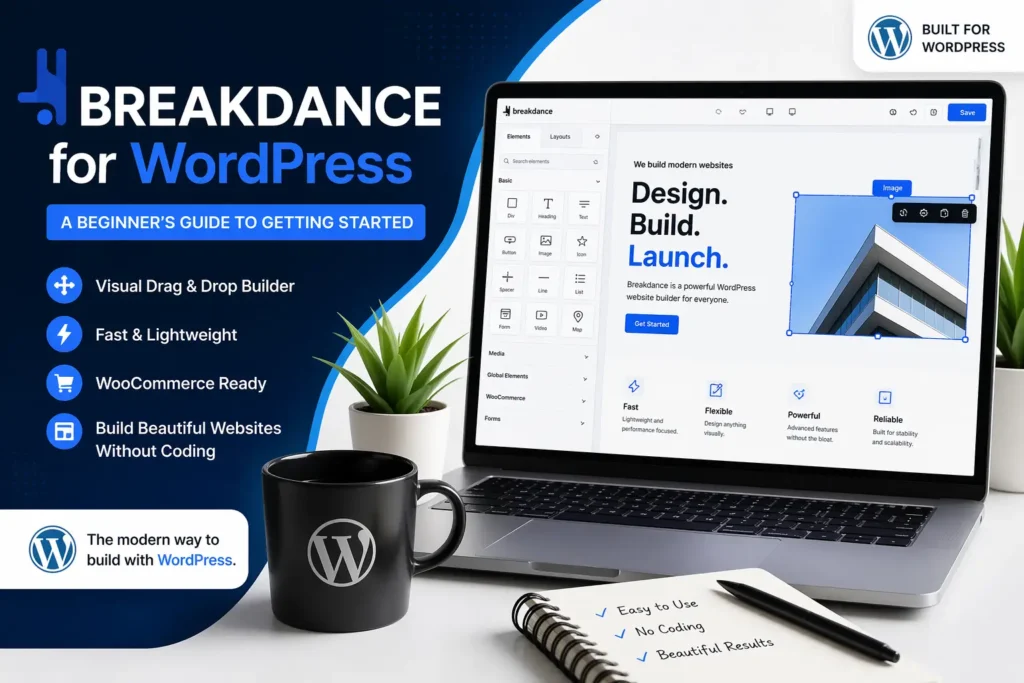
If you have been thinking about building a WordPress website but do not know where to start, you are not alone. WordPress has a lot of options, and picking the right page builder can feel overwhelming. One tool that has been quietly gaining attention is Breakdance. It is clean, powerful, and honestly quite fun to use once you get the hang of it.
Let us walk through everything you need to know.
So, What Exactly Is Breakdance?
Breakdance is a visual website builder made specifically for WordPress. Instead of writing code or editing theme files, you design your pages directly on screen. What you see is literally what you get.
It was built from scratch, which means it does not rely on old or heavy code from other builders. That makes it fast. A slow website pushes visitors away, and Breakdance was built with that problem in mind.
It also works well with WooCommerce, which is great news if you are planning to sell products online. You can design your shop pages with the same visual editor, no extra tools needed.
What Kind of Websites Can You Build With It?
Quite a lot, actually. Breakdance is flexible enough to handle different types of projects, whether you are building something small or something more involved.
Here are some common use cases:
Business websites: Service pages, about pages, contact forms, the whole package. You can put it all together without touching a single line of code.
Blogs and content sites: Breakdance has good support for dynamic content, so your blog posts can be displayed in layouts you actually designed yourself.
Online stores: With WooCommerce support, you can build product pages, cart layouts, and checkout pages that match your brand.
Portfolio websites: Designers, photographers, and freelancers can build clean, visual portfolios that stand out.
Landing pages: If you are running a campaign or promotion, Breakdance makes it easy to build focused, conversion-friendly pages quickly.
The builder has a solid set of elements like forms, sliders, popups, and dynamic data fields. You are not boxed into a template you cannot change.
How Much Does Breakdance Cost?
Here is where things get interesting, especially for beginners who are watching their budget.
Breakdance has a free version. It is not a watered-down trial. The free plan gives you real access to the builder and lets you build functional websites without paying anything upfront.
For the paid plans, Breakdance offers a few options depending on how many sites you need to build.
Personal plan: This covers one website and gives you access to all the pro features. It is a good starting point if you are just building your own site.
Freelancer plan: Covers more sites and is aimed at people who build websites for clients. You get everything in the personal plan plus the ability to use it across multiple projects.
Agency plan: For teams or businesses managing a larger number of websites. More sites, same full feature access.
Pricing does change from time to time, so it is worth checking the official Breakdance website for the latest numbers. But the important thing to know is that you are not forced into a subscription right away. You can start free and upgrade when you are ready.
Can You Try It Without Paying?
Yes, and this is one of the best things about Breakdance for beginners.
The free version is available directly through the WordPress plugin directory. You do not need a credit card to install it. Just search for it inside your WordPress dashboard, install it, and start exploring.
This gives you a real feel for the builder before committing to anything. You can drag elements around, set up pages, and get comfortable with how it works. If you decide later that you want the pro features, upgrading is straightforward.
How to Install Breakdance and What to Expect Inside
Installing it is simple:
- Log in to your WordPress dashboard.
- Go to Plugins and click Add New.
- Search for “Breakdance” in the search bar.
- Click Install Now, then Activate.
That is it. Once activated, you will see a Breakdance option in your left sidebar menu.
Some of the main features you will find inside:
Visual drag and drop editor: Click on any element, move it around, resize it, style it. Everything responds in real time, so you can see changes immediately.
Ready-made templates: If you do not want to start from scratch, there are templates you can load and customize. Useful when you just want something up quickly.
Global styles: You can set your fonts and colours once in one place, and they apply across your whole website. Changing your brand colour later takes about ten seconds.
Popup builder: Create popups for newsletters, promotions, or announcements without needing a separate plugin.
Form builder: Build contact forms or lead capture forms and connect them to email tools you already use.
WooCommerce integration: Design your product pages and shop layout visually, just like any other page.
Dynamic data: Pull information from your posts or custom fields and display it in your designed layouts. This is especially useful for blogs or listing-style sites.
The interface feels clean compared to some older builders. It does not bombard you with options the moment you open it. Things are organised in a way that makes sense once you spend a little time exploring.
Wrapping Up
Breakdance is genuinely worth considering if you are building a WordPress site and want something modern, fast, and not overly complicated. The free version lowers the barrier to entry, the visual editor makes designing accessible, and the pro features are solid if you ever need to scale up.
You do not need to be a developer to use it. You just need a bit of curiosity and a few hours to get familiar with how it works. Start with the free version, build a test page or two, and see if it clicks for you. Most people find that once they get going, it is hard to go back to the old way of doing things.